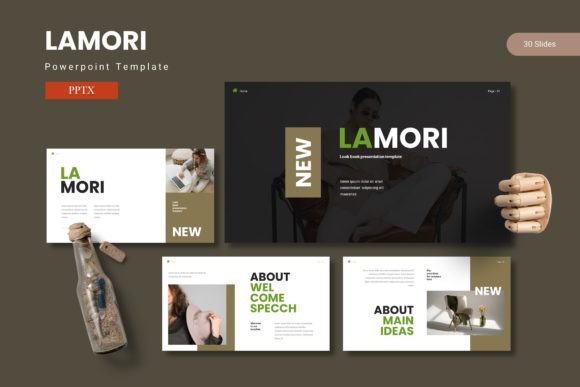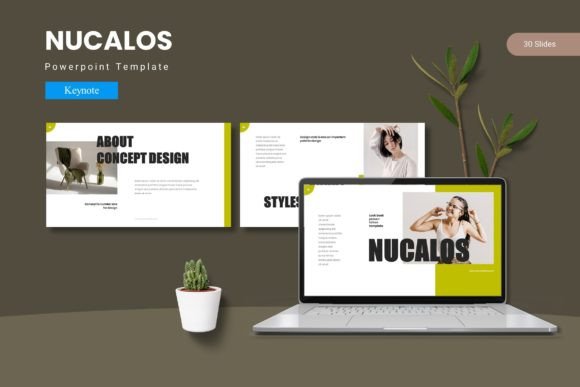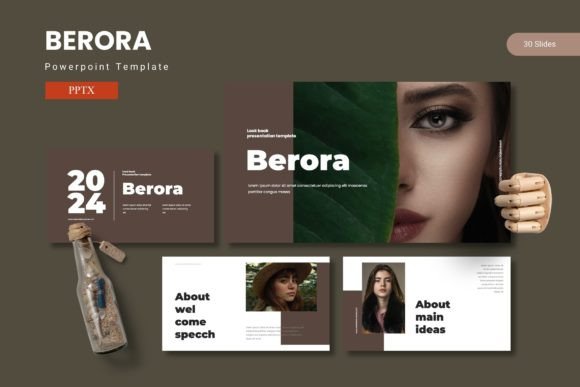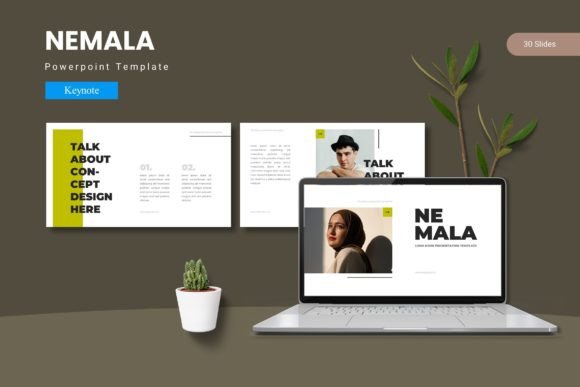
Pucire - Powerpoint Template: Design Presentations That Actually Connect
You know the feeling. You're preparing for a crucial pitch, a team workshop, or a client update, and you open PowerPoint to a blank, intimidating slide. The default templates feel stale, and building a design from scratch steals hours you simply don't have. What if you could start with a foundation that's both visually stunning and intuitively structured? The Pucire - Powerpoint Template is crafted for exactly that moment, transforming the daunting task of presentation design into a streamlined, creative process.
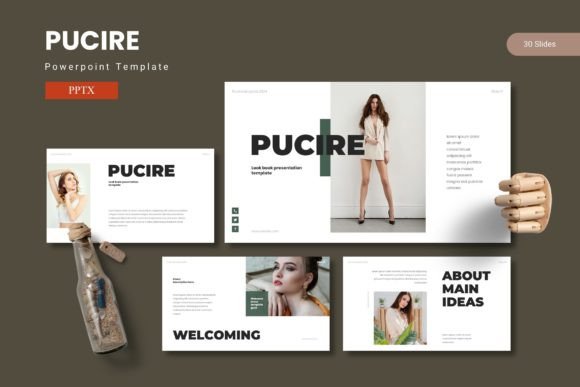
This isn't just another collection of slides. Pucire is a visual system built on the principle that great ideas deserve a compelling framework. It combines clean, modern layouts with a thoughtful balance of data visualization, impactful typography, and ample space for your narrative. The result is a set of slides that feel professional and polished, yet flexible enough to adapt to your specific message. Whether you're showcasing quarterly results, outlining a new marketing strategy, or pitching a business plan, the template provides the visual grammar to make your content resonate.
Beyond the Slide Deck: A Toolkit for Visual Consistency
Think of Pucire less as a single template and more as a versatile design toolkit. With over 150 total slides organized across five distinct color schemes, it offers remarkable depth. Each of the five premade color variations contains 30 meticulously designed slides, giving you a complete visual identity to work with from the start. This structure is a game-changer for maintaining brand consistency. You select the color palette that aligns with your brand guidelines, and every chart, icon, and layout element across those 30 slides automatically adopts that scheme. No more manually adjusting colors slide by slide, risking inconsistency.
The practical applications extend far beyond traditional business presentations. Consider these scenarios where Pucire's design assets prove invaluable:
- Brand Launch & Marketing: Use the gallery and portfolio slides to create a stunning lookbook for a new product line. The pixel-perfect illustrations and handcrafted infographics can visually explain your brand story, value proposition, or market position in a way that bullet points never could.
- Social Media & Digital Content: Export individual slides as high-quality images to create a cohesive series of Instagram carousels, LinkedIn graphics, or blog post headers. The modern typography and clean layouts ensure your digital content looks sharp and professional across platforms.
- Client Work & Proposals: For freelancers and agencies, the template becomes a reusable asset. Quickly mock up project timelines using the section break slides, illustrate service packages with the editable graphics, and present case studies using the portfolio layouts. It elevates the perceived value of your deliverables.
- Internal Communications & Training: Transform dry internal reports or training materials into engaging visual narratives. Use the data-driven slides to make metrics digestible and the customizable layouts to guide viewers through complex processes or onboarding steps.
Design That Works With You, Not Against You
A common frustration with many premium templates is their rigidity. Pucire addresses this head-on with its foundation on Master Slides. This means every element—from the position of a placeholder to the style of a heading—is controlled from a central place. Want to change the font style across all 30 slides? Edit the master slide once, and the update propagates everywhere. Need to adjust the color of every shape or chart? A single edit on the master does the work. This isn't just a time-saver; it's a safeguard against visual errors that can undermine your credibility.
The user-centric features are designed for real-world use, not just for designers. The picture placeholders function with a simple drag-and-drop, allowing you to swap out images without disrupting the layout's alignment. All graphics, from icons to complex charts, are fully resizable and editable, meaning you can scale them up for a hero slide or down for an appendix without losing quality. This flexibility is crucial for adapting the template to various content needs, whether you're creating a detailed infographic slide or a minimalist text-focused presentation.
Choosing the right presentation style is about matching form to function. Pucire's clean, sans-serif-forward design offers excellent readability, which is paramount when you're presenting data or key takeaways. The balanced white space prevents cognitive overload, allowing your audience to focus on your message. For projects requiring a more editorial or artistic feel, you can leverage the layout structures while introducing your own brand's display font or script font for headings to add a unique personality. The template provides the structural integrity; you supply the creative voice.
Making the Template Your Own
Getting started is straightforward. The main file includes the five PPTX files, one for each color scheme, along with a clear readme file detailing font and photo information. It's wise to begin by reviewing the readme to ensure you have access to the recommended typefaces for a seamless look. However, the design is robust enough to work well with other font pairings. Test a bold sans-serif for headings and a classic serif for body text to create a sophisticated contrast, or stick with a single modern typeface family for a unified, contemporary feel.
Remember that a template is a starting point, not a final product. Your most powerful asset is your own content. Use the section break slides to create clear narrative transitions. Replace placeholder text with your concise, impactful copy. Swap the generic images with high-quality photos that reflect your unique story or brand identity. The goal is to use the Pucire framework to amplify your message, not to let the design overshadow it.
In a landscape where visual communication is non-negotiable, having a reliable, high-quality design system at your fingertips is a strategic advantage. It streamlines your workflow, ensures a consistent and professional brand identity, and ultimately lets you focus on what truly matters: sharing your ideas with clarity and confidence. The Pucire - Powerpoint Template provides that polished, professional canvas, ready for you to bring your vision to life.