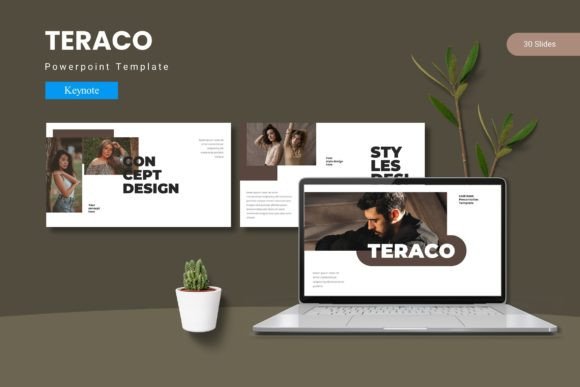
Teraco - Keynote Template: Streamline Your Next Presentation
Let’s be honest: building a presentation from scratch is a chore. You spend hours fiddling with alignment, hunting for icons that don’t clash, and trying to make a bullet-point slide look remotely interesting. The result? A deck that’s functional but forgettable. This is where a robust design system steps in. The Teraco - Keynote Template isn't just a collection of slides; it’s a comprehensive toolkit designed to bridge the gap between a messy idea and a polished pitch. It provides the structural integrity and visual flair needed to ensure your message isn't just heard, but felt.
A Visual System for Modern Storytelling
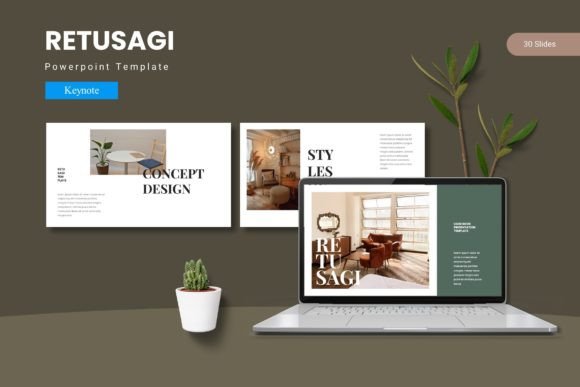
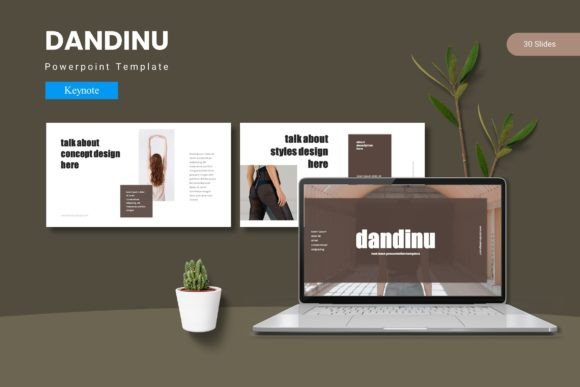
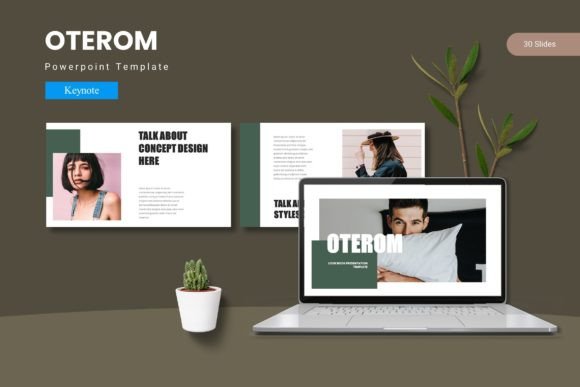
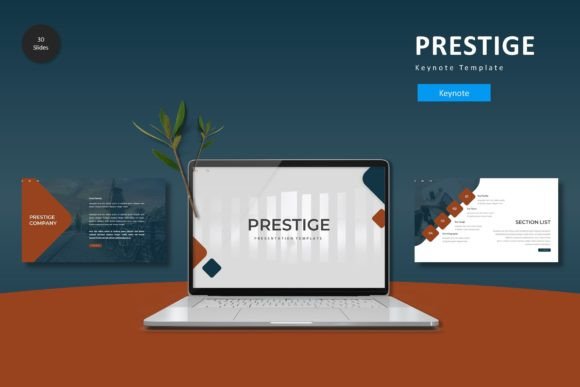
What sets this asset apart from the thousands of generic templates floating around the internet? It’s the attention to detail and the sheer volume of options. With over 150 total slides spread across five premade color schemes, you aren't buying a single look—you’re buying a design ecosystem. Each color variation offers 30 distinct slides, ranging from data-heavy layouts to minimalist text blocks. This variety is crucial for brand identity. Whether you are a small business owner trying to maintain consistency across quarterly reports or a creative entrepreneur pitching to investors, having a cohesive visual language builds trust before you even speak.
The design philosophy here leans into modern typography and clean geometry. You won't find cluttered backgrounds or dated gradients. Instead, the focus is on whitespace and hierarchy, ensuring that your content breathes. The inclusion of handcrafted infographics is a standout feature. In a world where data visualization is king, being able to drop complex statistics into a pre-made, pixel-perfect illustration saves time and elevates the perceived value of your research. It transforms dry numbers into a visual narrative that your audience can digest instantly.
Practical Applications: Beyond the Boardroom
While the primary function is clearly slide presentations, the versatility of the Teraco - Keynote Template extends into various marketing assets. Think about digital products. If you are a course creator or a coach, you can adapt these layouts to create high-value PDF workbooks or lead magnets. The master slide architecture means that if you decide to tweak the font or adjust a color accent, the change propagates through the entire document instantly. This is a lifesaver for editorial design where consistency is non-negotiable.
For those in social media graphics, the modular nature of these slides is a goldmine. You can isolate specific sections—like a quote card or a statistic callout—and export them as high-resolution images for Instagram or LinkedIn. It ensures that your social feed matches the look of your webinar or keynote, reinforcing your brand recognition. Furthermore, the picture placeholder functionality is designed for efficiency. Instead of cropping and resizing images manually, you simply drag and drop your photos into the designated frames. The template handles the masking, ensuring your imagery always looks sharp and intentional.
Customization and Workflow Efficiency
A tool is only as good as its usability. One of the strongest selling points of this collection is its reliance on Master Slides. For the uninitiated, this means the heavy lifting is done in the background. You aren't just editing a slide; you are working within a structured grid. This makes the template incredibly forgiving for non-designers. If you need to change the font style to match your specific typeface guidelines, you can do so without breaking the layout.
The package includes 5 Key Item files, which serves as a foundation for your font pairing experiments. While the template comes with a specific aesthetic, it is fully editable. You can swap out the default sans serif font for a serif font to give it a more traditional, corporate feel, or introduce a script font for a touch of elegance on title slides. The graphic resizable and editable nature of the icons means you can scale them up for poster design or down for packaging design mockups without losing quality. This scalability is essential for commercial font and asset usage, ensuring your designs look crisp on everything from a mobile screen to a projected slide.
Strategic Design for Audience Engagement
Visual communication is about psychology as much as it is about aesthetics. The Teraco - Keynote Template is structured to guide the viewer's eye. By utilizing section break slides, you signal a shift in topic, giving your audience a mental breather. This pacing is vital for readability and retention. A cluttered slide deck overwhelms; a well-paced one persuades.
Consider the "Gallery and Portfolio" slides included in the package. For web design agencies, photographers, or crafters, these layouts allow you to showcase your work without distraction. The grid systems are mathematically balanced to create harmony, a core principle of visual consistency. When you present a portfolio that looks this organized, it subconsciously signals that you are organized in your work ethic, too. It’s a subtle form of logo design and branding that speaks volumes about your professionalism.
Final Thoughts on Usability
Ultimately, the goal of any design asset is to reduce friction in your creative process. The Teraco - Keynote Template achieves this by offering a massive library of 150+ slides that are ready to be customized. It removes the "blank canvas" anxiety and allows you to focus on what matters: your message. Whether you are using it for a high-stakes pitch, an internal branding guide, or print materials, the infrastructure is there to support you. It’s a practical, professional solution for anyone looking to communicate with clarity and style. Just remember to check the "Readme First" file included in the folder for details on font licensing and photo credits to ensure your commercial projects are fully compliant.