Belome: A Modern Google Slides Template for Visual Storytelling
You’ve got the idea. The strategy is solid, the data is compelling, and the narrative is clear. Yet, when you open a blank presentation file, that blinking cursor can feel like a mountain to climb. How do you translate brilliant concepts into slides that not only inform but captivate? The gap between a good idea and a great presentation often lies in the visual execution—the layout, the imagery, the flow. This is where a thoughtfully designed template becomes less of a shortcut and more of a strategic partner, providing a professional canvas that elevates your content from the very first click.
The Belome - Google Slide Template is crafted for exactly this purpose. It’s a comprehensive design toolkit built to help entrepreneurs, marketers, educators, and creators build presentations that are both visually striking and structurally sound. Moving beyond basic bullet points, it offers a framework for visual communication that respects your audience's time and intelligence. Let's explore what makes this particular asset a valuable addition to your design toolkit and how you can leverage it across a multitude of projects.
More Than Slides: A Visual Identity System
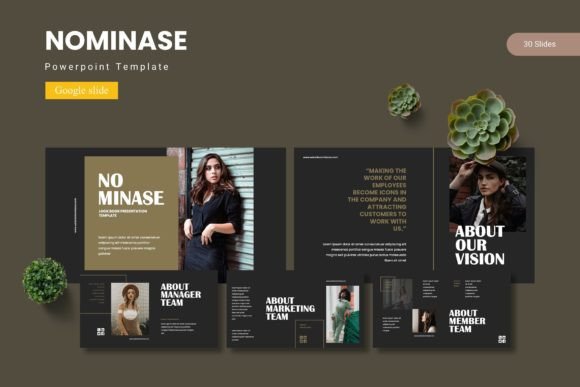
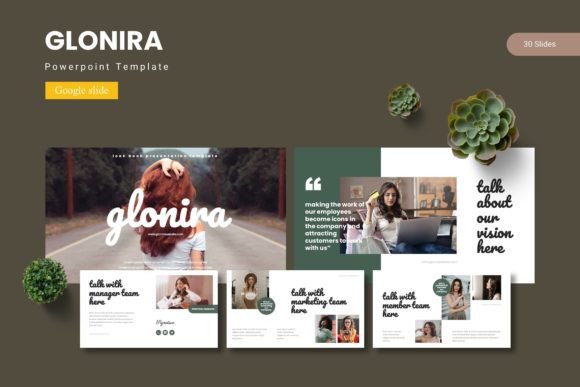
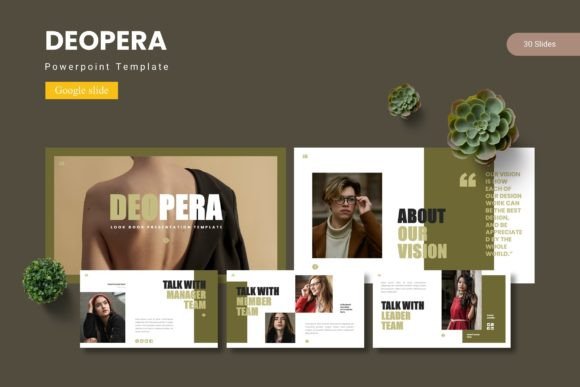
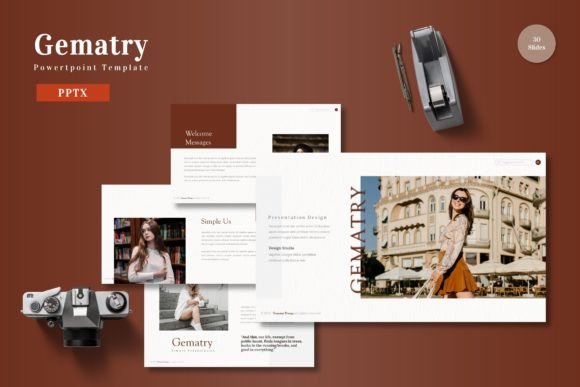
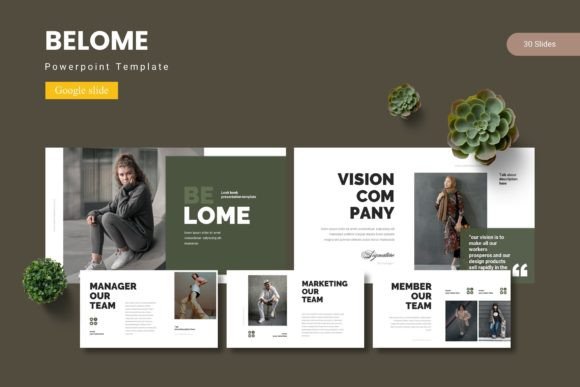
At its core, Belome functions as a mini visual identity system for your presentation. With 150+ total slides spread across five distinct color schemes, it provides the variety needed to maintain visual interest across a lengthy deck while ensuring absolute consistency. Each of the five premade templates offers 30 unique slide layouts, from clean title slides and section breaks to detailed content pages and portfolio showcases. This isn't just about having different backgrounds; it's about having a cohesive set of layouts that guide the viewer's eye, establish hierarchy, and make complex information digestible.
The true power lies in its foundation: master slides. By building every layout upon this backbone, Belome ensures that a change made in one place—like updating your brand's primary color or swapping out a font—can propagate throughout the entire presentation with minimal effort. This is crucial for maintaining brand recognition and visual consistency, especially when multiple team members might be collaborating on a single deck. The pixel-perfect illustrations and fully resizable, editable graphics mean you’re not stuck with generic icons. You can tweak, recolor, and scale every element to align perfectly with your project's unique aesthetic, whether it's a minimalist tech startup or a vibrant handmade goods brand.
Practical Applications for Real-World Projects
While designed for presentations, the utility of a template like Belome extends far beyond the conference room or Zoom call. Think of it as a collection of professionally designed layouts that can be repurposed for a variety of visual assets. This approach saves time and, more importantly, ensures that every piece of your communication—digital or print—feels connected and intentional.
Consider these practical applications:
- Brand Decks & Pitch Materials: Use the structured slide layouts to build compelling brand guidelines, investor pitches, or client proposals that tell a cohesive story.
- Social Media Content: Extract individual slides or elements to create consistent, branded quote cards, infographics, or carousel posts for Instagram and LinkedIn.
- Digital Products & Courses: Structure workshop materials, course modules, or webinar slides with a professional, easy-to-follow flow that enhances learning.
- Print Materials: Adapt layouts for single-page flyers, event programs, or product one-sheets. The clean grid systems and typography scales translate well to print.
- Internal Communications: Design clear, engaging reports, meeting agendas, or training materials that employees will actually pay attention to.
The included gallery and portfolio slides are particularly useful for creatives. A photographer, designer, or artist can quickly assemble a sleek portfolio presentation without wrestling with image placement and alignment, ensuring their work is showcased in the best possible light.
Building Engagement Through Design
An audience's engagement is directly tied to clarity and visual appeal. Cluttered slides, inconsistent fonts, and jarring color palettes create cognitive load, forcing your viewers to work harder to understand your message. A template like Belome mitigates this by providing a logical visual rhythm. Section break slides act as mental pauses, helping to segment information. Thoughtful use of whitespace prevents overcrowding, and the handcrafted infographics offer alternative ways to present data that might otherwise be lost in a table.
Moreover, the professional polish conveyed by a well-designed deck significantly impacts credibility. Whether you're a solopreneur pitching your services or a marketer presenting quarterly results, the quality of your visuals speaks volumes about the quality of your work. It signals preparedness, attention to detail, and respect for the audience's experience. This professional presentation can be the subtle difference that builds trust and keeps your audience listening.
Integrating the Template into Your Workflow
Adopting any new design asset requires a bit of strategy. To get the most out of Belome, start by selecting one of the five color schemes that best aligns with your brand or the mood of your project. Don't feel locked in; the color variations are a starting point. Use the master slide feature to customize the primary and accent colors to your exact brand hex codes, creating a truly personalized version.
Next, consider your typography. While the template suggests fonts, you have the flexibility to substitute them with your own brand typefaces. Pay close attention to readability—ensure body text is large enough and has sufficient contrast against its background. A good practice is to limit yourself to two or three complementary fonts: one for headlines, one for body text, and perhaps one accent font for callouts. This maintains a clean, professional look without visual chaos.
Finally, embrace the drag-and-drop picture placeholders. This feature is designed for efficiency. Curate your imagery in advance—high-quality, relevant photos or graphics—and drop them into the pre-sized frames. This not only speeds up your workflow but also guarantees that your images are consistently scaled and positioned, which is a key element of a polished, professional design. Whether you're building a critical business proposal or a creative portfolio, this structured yet flexible approach ensures your final output is both beautiful and effective.