Nubora: Crafting Cohesive Visual Stories with a Google Slide Template
That moment when a brilliant idea meets a blank presentation slide can be paralyzing. You have the data, the narrative, the goal—but translating that into a visual format that feels professional and compelling often feels like a separate, daunting project. The search for the right design assets becomes a mission in itself, a hunt for something that doesn't just look good, but works hard. This is where a meticulously crafted tool like the Nubora - Google Slide Template shifts from being a nice-to-have to an essential part of your creative workflow, especially if you're building a brand, pitching to clients, or communicating complex ideas.
Beyond the Default: What Makes a Template a Strategic Asset
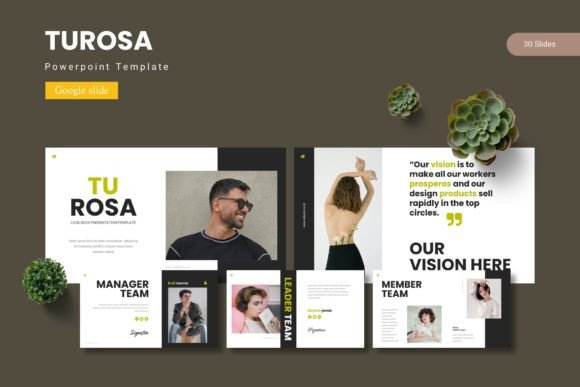
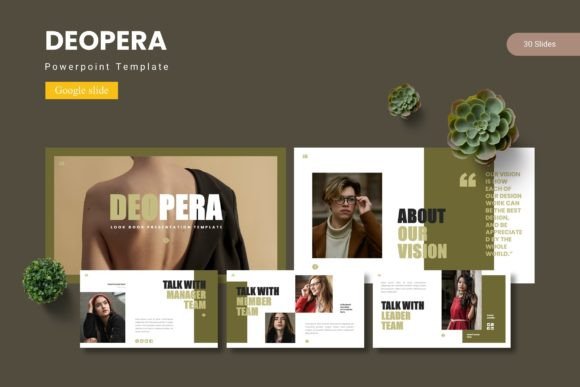
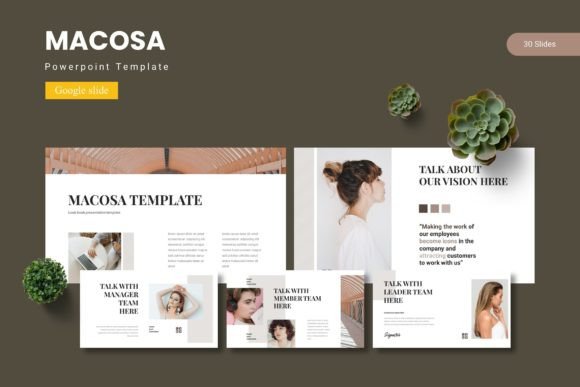
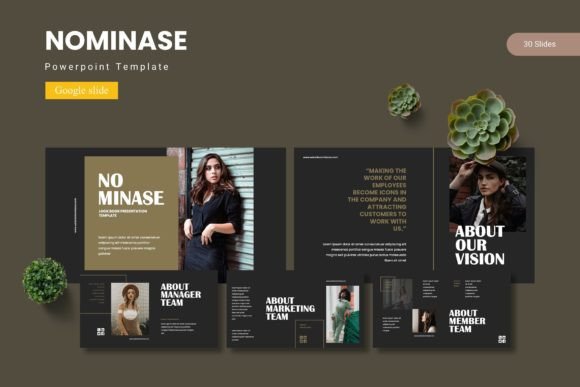
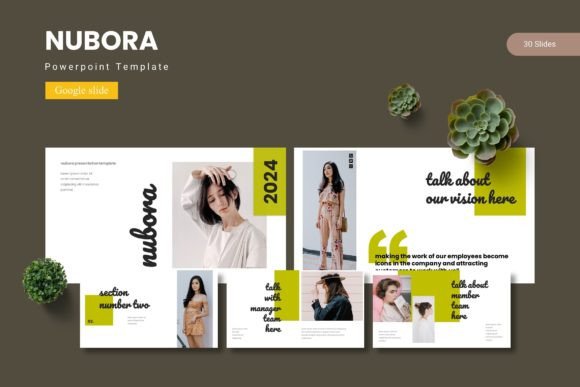
Most of us have used a default template. They’re functional, but they rarely inspire. They feel generic because they are designed for everyone, which means they resonate deeply with no one. The Nubora template collection operates on a different principle. With over 150 total slides spread across five premade color palettes, it offers not just variety, but visual consistency. Each of the five color schemes provides 30 unique slides, including dedicated section breaks. This structure is key. It means you can build a 10-slide deck for a quarterly update and a 25-slide pitch for a new product launch using the same core template, and both will unmistakably belong to the same visual family. That’s the foundation of strong brand identity.
The true value, however, lies in the details that save you time and elevate your output. The pixel-perfect illustrations and handcrafted infographics aren’t just decorative; they’re communication tools. Drag-and-drop picture placeholders eliminate the tedious resizing and cropping that eats into your creative time. When every graphic is resizable and editable, you’re not locked into a rigid design—you’re given a flexible design asset. This adaptability is crucial for a small business owner adapting a pitch for different audiences or a content creator repurposing a webinar into a slide-based summary for their blog.
Practical Applications: From Boardroom to Social Feed
Let’s ground this in real-world use. For entrepreneurs and marketers, the presentation is often the first formal introduction to a business idea. A deck built with Nubora, using its clean layouts and professional infographics, does more than present data; it builds credibility. The gallery and portfolio slides are perfect for showcasing past work, client testimonials, or product shots in a way that feels curated, not cluttered. This is professional presentation that directly supports audience engagement.
But the utility extends far beyond the slide deck itself. Think of the template as a springboard for marketing assets. A key slide with a powerful statistic and a clean layout can be exported as an image for a social media graphic. The consistent color palette can inform your web design or the color scheme for a new packaging design. For bloggers and crafters, the aesthetic can guide the visual language for an online shop or a digital invitation. The template essentially provides a ready-made visual language that ensures your logo design, your Instagram posts, and your PDF guides all speak the same cohesive brand story.
Making It Your Own: Tips for Integration
A template is a starting point, not a finish line. The real magic happens when you infuse it with your unique brand personality. Start by selecting the color variation that best aligns with your existing brand palette or the mood of your project. Is it the bold, energetic scheme for a tech startup, or the soft, muted one for a wellness brand? Once chosen, dive into the master slides. Customizing the master slides is the most efficient way to ensure uniformity across every page of your presentation.
When it comes to text, remember that readability is king. The Nubora template likely pairs fonts thoughtfully, but always test your own content within the layouts. A modern typography style with a clean sans serif font for body text ensures clarity, while a distinctive display font or a subtle script font for headings can add character. The key is contrast and hierarchy. Don’t be afraid to adjust text sizes or spacing to make your key points pop. The goal is to guide your viewer’s eye effortlessly from one idea to the next.
Final Thoughts on Workflow and Licensing
Integrating a resource like the Nubora - Google Slide Template into your process is about working smarter. It reduces the friction of starting from scratch and provides a professional scaffold that ensures your final product is polished. For those considering it for commercial projects, always review the included licensing information in the Readme file. Understanding the terms for using the template in client work, merchandise, or digital products is a non-negotiable step in professional practice.
Ultimately, the right tools empower you to focus on what truly matters: your message, your story, your connection with the audience. A thoughtfully designed template like Nubora handles the heavy lifting of visual consistency and professional layout, freeing you to pour your energy into the content that will make your presentation, and your brand, memorable.