Streamline Your Next App Project with This UI Kit
Imagine you have a brilliant idea for a mobile application that connects people with local workshops, concerts, or community meetups. You can already picture the interface—the sleek navigation, the intuitive booking flow, the vibrant event cards. But then reality hits. The gap between that vision and a finished, polished product feels enormous, especially if you're not starting from scratch with a massive design team or a limitless budget. This is precisely where a well-constructed resource like the Event Booking App Mobile UI KIT transforms the development process from a daunting task into an exciting creative journey.
More Than Just a Collection of Screens
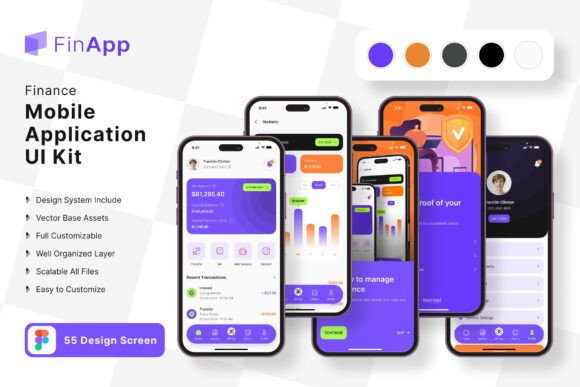
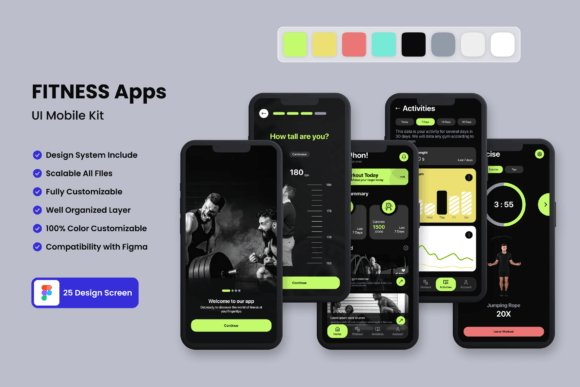
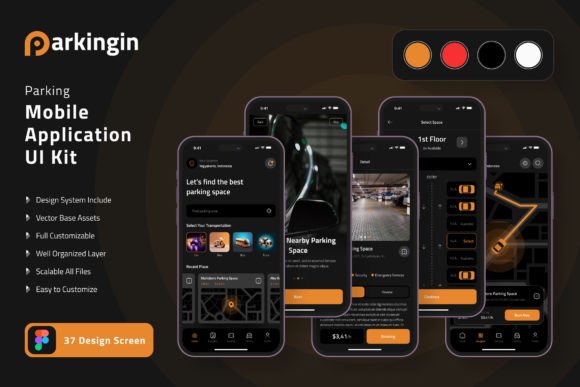
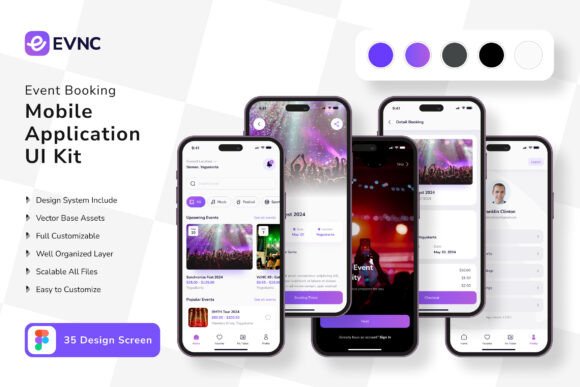
At its core, this product is a curated assembly of 35 pixel-perfect screen designs and over 80 UI elements. But calling it a "kit" undersells its utility. Think of it as a comprehensive visual language for your application. It’s a system built in Figma, which means every single component—from a button to a navigation bar to an entire event detail page—is fully editable. You're not buying a static image; you're acquiring a dynamic framework. The 100% vector layers and symbol objects ensure that as you scale elements up for a tablet view or down for a smaller phone, the integrity of the design remains flawless. For a designer, this means starting your project on the 20-yard line instead of the goal line, freeing up mental energy to focus on unique user experience problems and brand-specific nuances rather than reinventing basic UI patterns.
Accelerating Development Without Sacrificing Uniqueness
One of the most significant hurdles in mobile app development is the "blank canvas" problem. You know you need a login screen, a user profile, a search function, and a checkout process. Designing each from zero is time-consuming. This UI kit provides a proven, professional foundation for all those standard flows. The fully layered structure in Figma is a game-changer here. Need to change a primary color to match your client's brand guidelines? It's a few clicks away. Want to swap out an icon set for one that better fits the app's tone? The included free icon vector files are organized for easy replacement. This flexibility allows entrepreneurs and small business owners to maintain complete creative control. You can build a unique product that feels custom-made, leveraging the kit's robust architecture to ensure consistency across every tap and swipe. The result is a professional presentation that builds user trust from the moment the app is launched.
Practical Applications Beyond the Initial Build
The utility of a high-quality mobile UI kit extends far beyond the final app store submission. For marketers and content creators, these templates are a goldmine for creating compelling social media graphics and digital products. Imagine using the event listing screens to mock up promotional posts for Instagram or Facebook. The clean, modern typography and balanced layouts make for instantly shareable content that communicates information clearly. For those selling design assets or offering design services, having a polished mobile UI in your portfolio demonstrates a grasp of modern typography and user-centric design principles. It's a tangible showcase of your ability to deliver a complete brand identity solution. Even for internal projects, like pitching a new app concept to stakeholders, these high-fidelity screens communicate your vision with a level of polish that wireframes simply cannot match, helping to secure buy-in and funding.
Key Considerations for Implementation
When integrating a resource like this into your workflow, a thoughtful approach maximizes its value. Start by auditing the kit's 80++ UI elements against your project's specific requirements. Identify which components are directly applicable and which might need modification. The easy-to-change color style feature is your best friend here; use it to align every element with your established color palette. Pay close attention to the free font included. While the kit provides a typeface, ensure its licensing aligns with your project's scope, especially if you're developing a commercial application. You might choose to pair it with another premium font for headings to create a more distinctive typographic hierarchy. Always test your customized designs on actual devices. The 100% scalable vectors guarantee clarity, but checking touch target sizes and overall readability on different screens is a non-negotiable step in the design process.
Ultimately, tools like the Event Booking App Mobile UI KIT democratize high-quality design. They empower creators—from solo developers to marketing teams—to build sophisticated, user-friendly mobile experiences efficiently. By handling the foundational design system, they allow you to invest your most valuable resource—your time and creativity—into the unique features and content that will make your application stand out in a crowded marketplace.